Location Settings
Location settings allows you to create multiple locations when choosing multilocation model. This is an important configuration where each of the location could be added and managed
Add Location
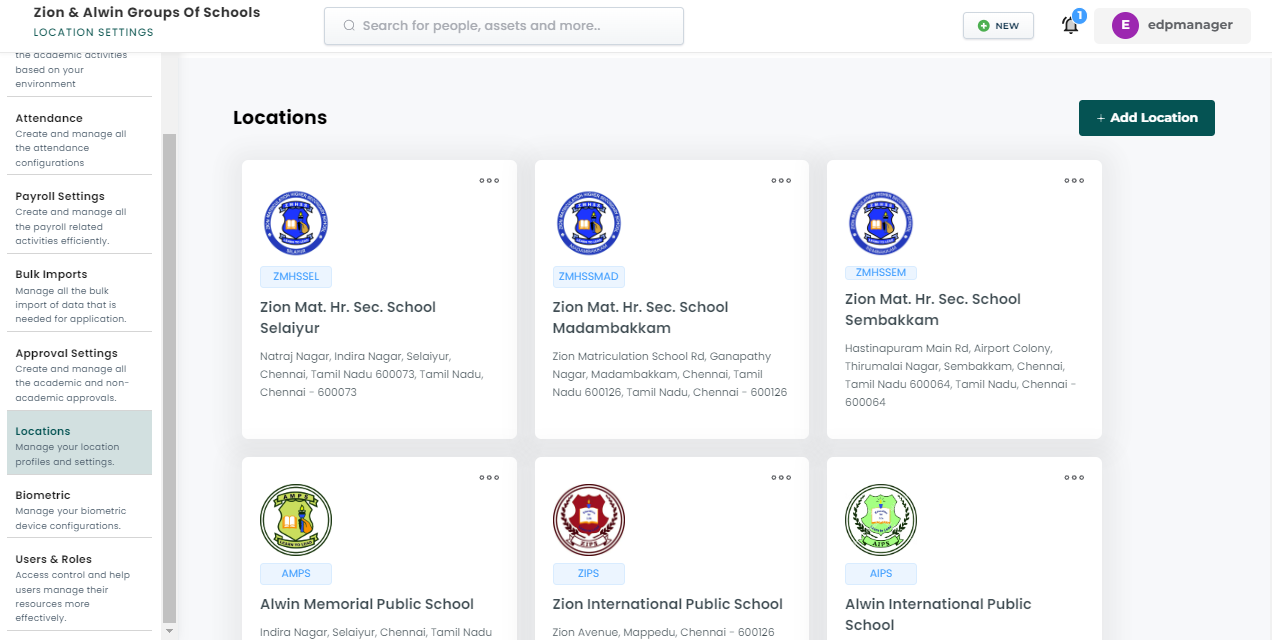
- Go to settings > Locations
- Click on Add Location
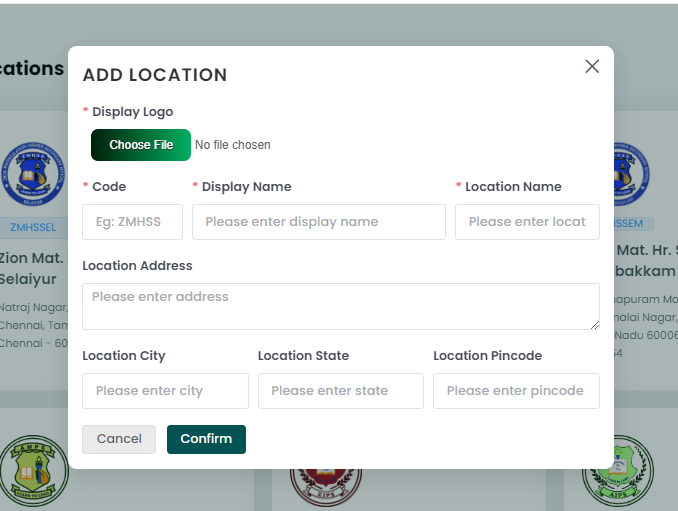
- Select required fields like display logo, name, code, location name etc..
- Click Confirm
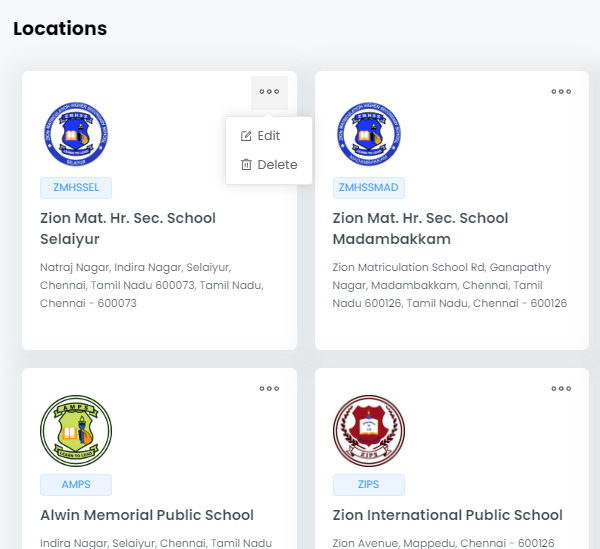
Managing locations
- Go to settings > Locations
- You will be able to view the list of locations.
- Click on the options icon on the location card.
- Click on the edit to modify the particular location.
- Click on the delete to delete the location.